Experiments (A/B Testing)
Experiments (A/B Testing) allow you to test different variations of your application to see which one performs better. You can use experiments to optimize conversion rates, user engagement, and other key metrics.
Overview
With Swetrix Experiments, you can:
- Create experiments with multiple variants (e.g., Control vs. Variant A vs. Variant B).
- Define goals to measure success.
- Analyze the results to determine the winning variant.
Client-Side Implementation
To use experiments in your application, you can use the Swetrix tracking script.
Fetching all experiments
import { getExperiments } from 'swetrix'

const experiments = await getExperiments()
// Returns: { 'experiment-id-1': 'variant-a', 'experiment-id-2': 'control' }
Getting a specific experiment variant
import { getExperiment } from 'swetrix'

const variant = await getExperiment('checkout-redesign')

if (variant === 'new-checkout') {
  // Show new checkout flow
} else {
  // Show control (original) checkout
}
Attribution
When a user participates in an experiment (i.e., they are assigned a variant), Swetrix automatically tracks this assignment. Subsequent events and pageviews are attributed to the assigned variant, allowing you to measure the impact of the experiment on your metrics.
Managing Experiments
You can create and manage your experiments in the Experiments tab of your project dashboard.

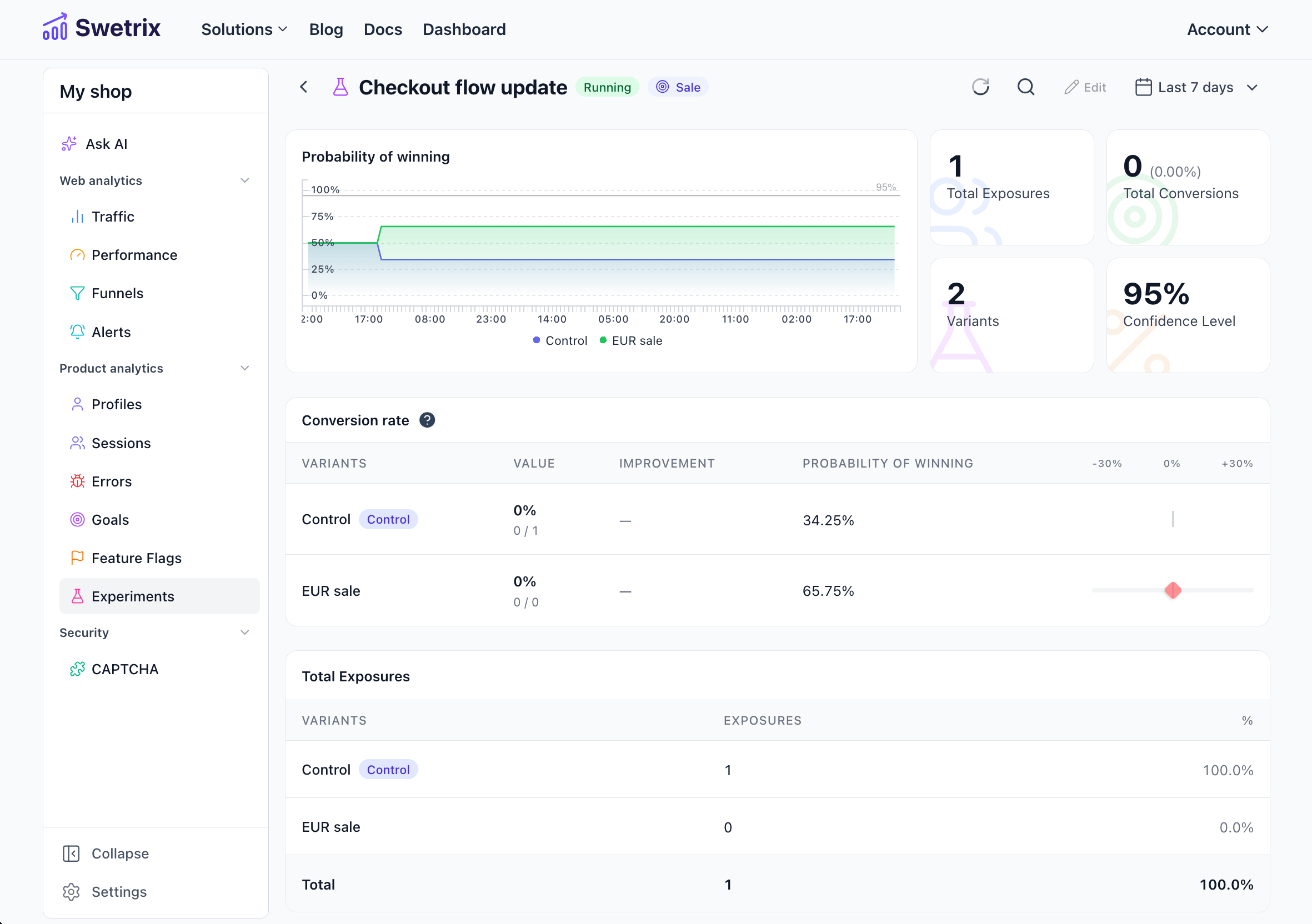
You can also see how your experiments are performing by clicking on the Results button.

Help us improve Swetrix
Was this page helpful to you?