Alerts
The Alerts feature is exclusively available on Swetrix Cloud. It is not currently available for self-hosted instances at the moment.
Alerts allow you to monitor your website's performance in real-time and receive notifications when specific metrics cross a defined threshold. This helps you stay on top of traffic spikes, server errors, or important user interactions without constantly checking the dashboard.

Prerequisites
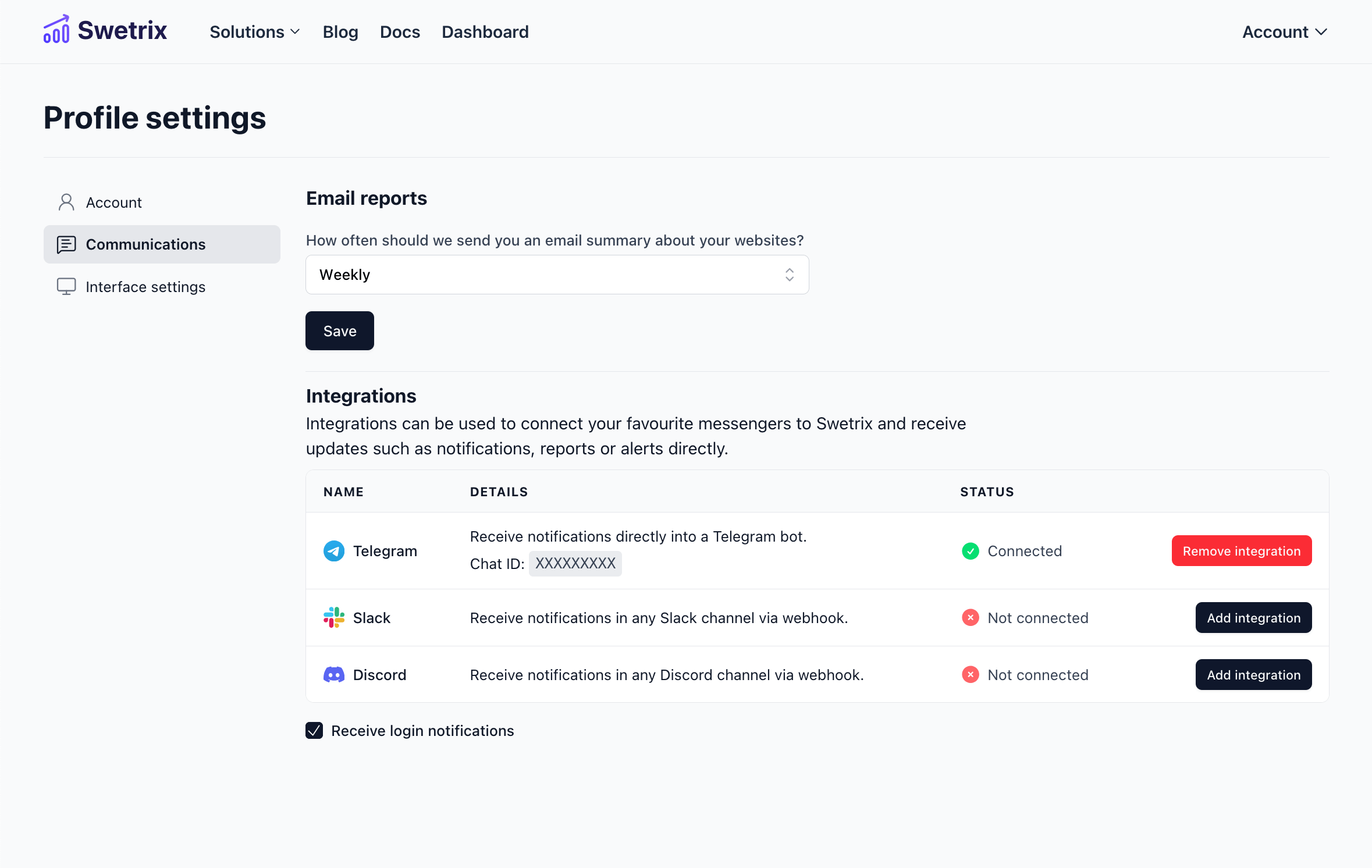
Before setting up alerts, you must connect a notification channel to your account. Swetrix supports the following channels:
- Telegram
- Discord
- Slack
To configure these, go to your Account Settings and follow the instructions for each integration. If no channel is connected, you will see a warning on the Alerts page.
Creating an Alert
- Navigate to your project's dashboard and click on the Alerts tab.
- Click the Add Alert button.
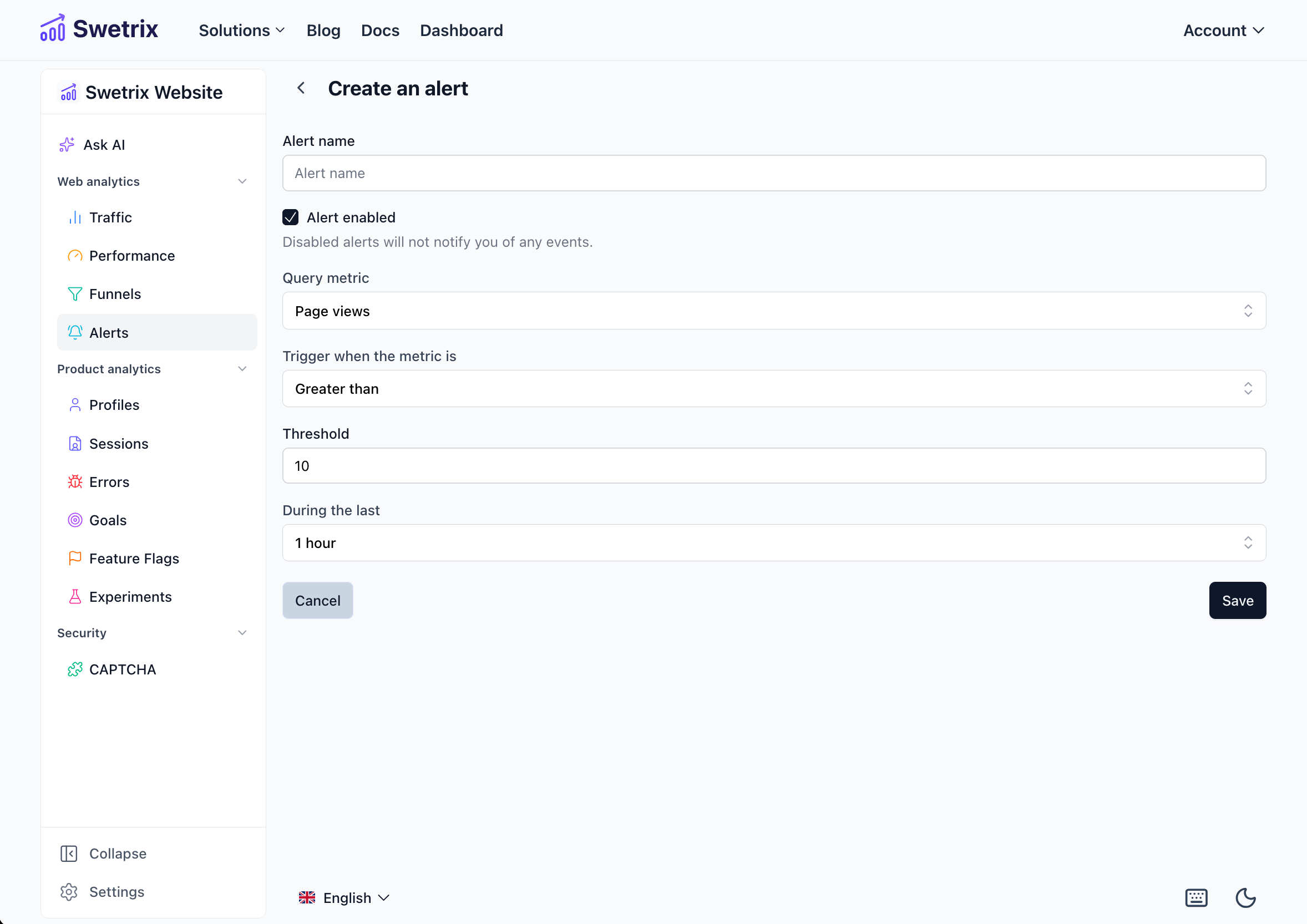
- Configure the alert settings:
- Name: A descriptive name for your alert (e.g., "High Traffic Warning").
- Metric: The data point you want to monitor (see below).
- Condition: The logic to trigger the alert (e.g., Greater than, Less than).
- Value: The threshold number.
- Timeframe: The period over which the data is analyzed (e.g., "Last 15 minutes").
Supported Metrics
You can create alerts based on the following metrics:
- Pageviews: Total number of pages viewed.
- Unique Pageviews: Number of unique visitors.
- Online Users: Current number of active users on your site.
- Custom Events: Monitor specific interactions (e.g., "Signup Button Click"). You can track a specific event by name or alert on every custom event.
- Errors: Track JavaScript errors occurring on your site. You can choose to be notified about all errors or only new errors that haven't been seen before.
Managing Alerts
Once created, your alerts will appear in a list on the Alerts tab.
- Edit: Click the Pencil icon to modify the alert's threshold or settings.
- Delete: Click the Trash icon to remove the alert permanently.
- Status: Alerts show their last triggered time, helping you understand their frequency.
Example Use Cases
- Traffic Spike: Notify me if Online Users is greater than 100.
- Error Monitoring: Notify me on New Errors (useful for post-deployment monitoring).
- Goal Tracking: Notify me if Custom Event "Purchase" count is greater than 10 in the last 1 hour.

Help us improve Swetrix
Was this page helpful to you?