Live Visitors
Swetrix provides real-time traffic monitoring, allowing you to see how many people are on your website right now.
The Live Counter
In the top right corner of your dashboard (and on the main Traffic overview), you will see a Live indicator with a pulsing green dot.
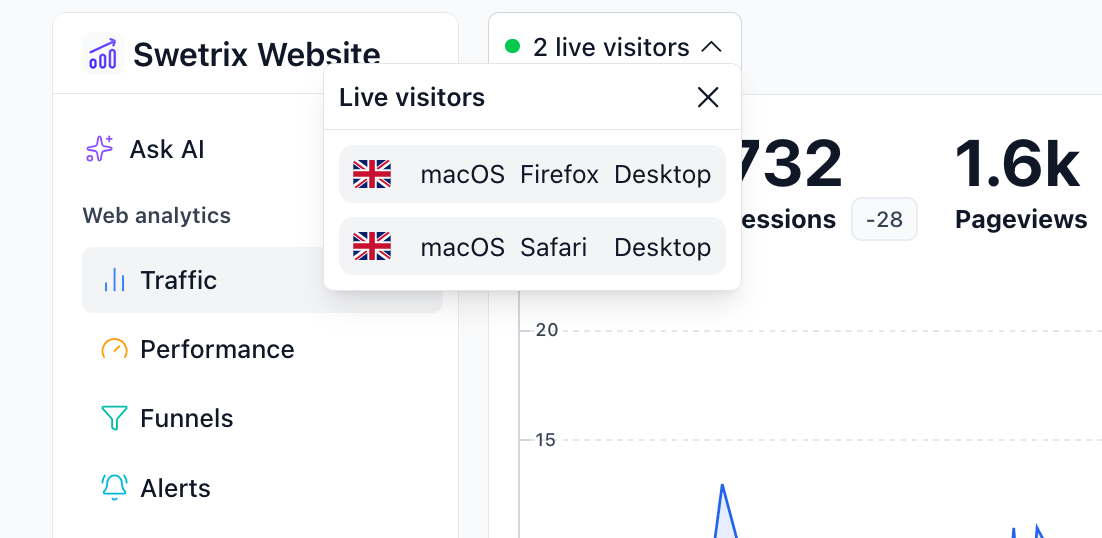
- What it counts: This number represents the count of unique visitors who have initiated a session or viewed a page within the last 5 minutes.
- Updates: The counter updates in real-time as new visitors arrive or existing ones leave (time out).
Live Visitors in Browser Title
You can configure Swetrix to display the live visitor count directly in your browser tab's title. This is useful for keeping an eye on traffic without having the dashboard tab active.
To enable this:
- Go to your Account Settings.
- Open the Interface tab.
- Check the box for Show live visitors in browser title.
Once enabled, your browser tab will look something like this: (12) Project Name | Swetrix.

Help us improve Swetrix
Was this page helpful to you?